a workspace for the creative process.
bring your references, ideas, and project work together in one place, from the first things you collect to the work you finish.
keep what catches your eye. save images, links, files, and notes, then decide where they belong.

a collection you can keep coming back to. find and reuse references across the work you’re making.

the brief, the references, the next steps. keep documents, boards, saves, and tasks together around a project.

explore a direction and show your thinking. bring references together with sections, captions, and comments.

give related work a shared home. group projects around a client, a practice, or an ongoing interest.

keep the next steps in view. track tasks, due dates, and the details that help you carry the work through to the finish.

how it fits together
your collection, connected to your work.
keep references in your library, bring them into projects, and develop directions on boards. your notes, documents, and tasks stay close as the work develops.
- 01 · COLLECTinboxyour references land here first, before they have a home.
- 02 · ORGANIZEfoldersyou decide where things go. tabbed, private, easy to find again.
- 03 · CURATEboardspull references into a direction you can share.
- 04 · PUT TO WORKprojectsthe brief, the tasks and the references, side by side.
capture + library
keep what catches your eye. come back to it.
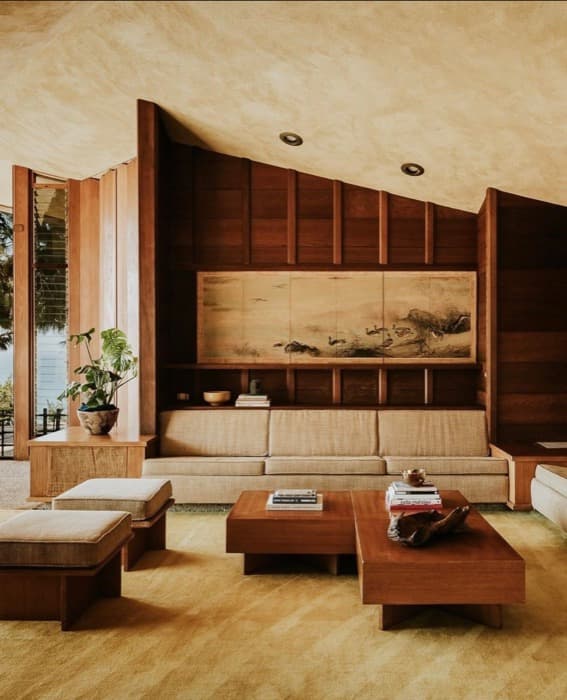
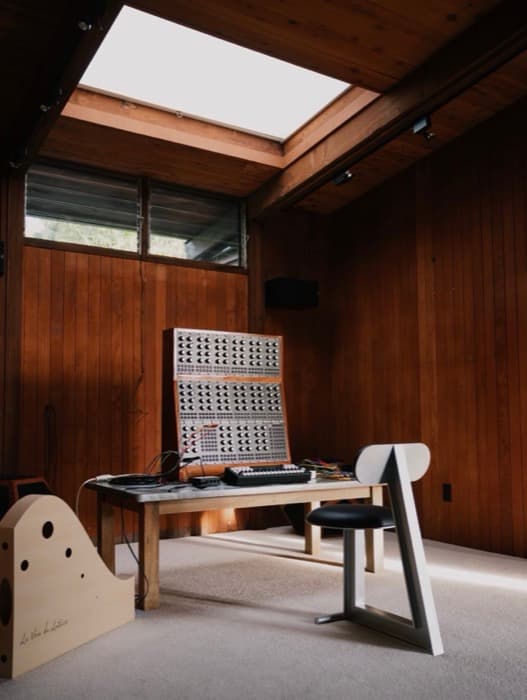
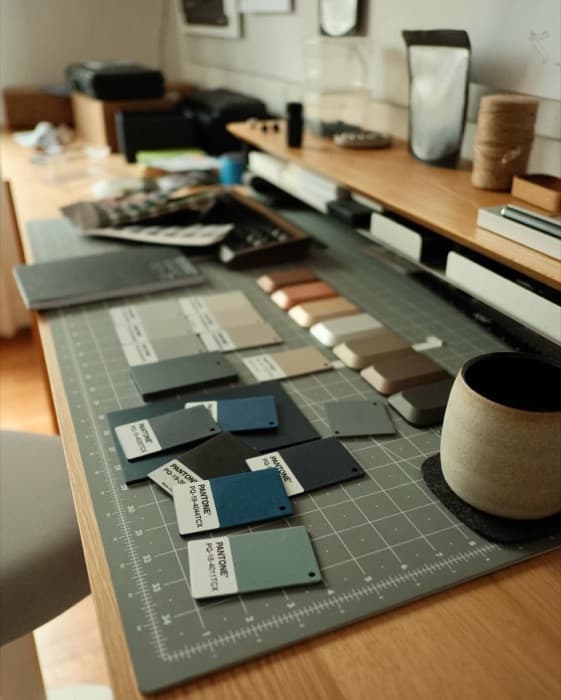
save images, links, files, and notes from your browser, your iPhone, or inside Index. organize your collection with folders, then use filters to find material for whatever you’re working on.

projects + tasks
everything your project needs, in one place.
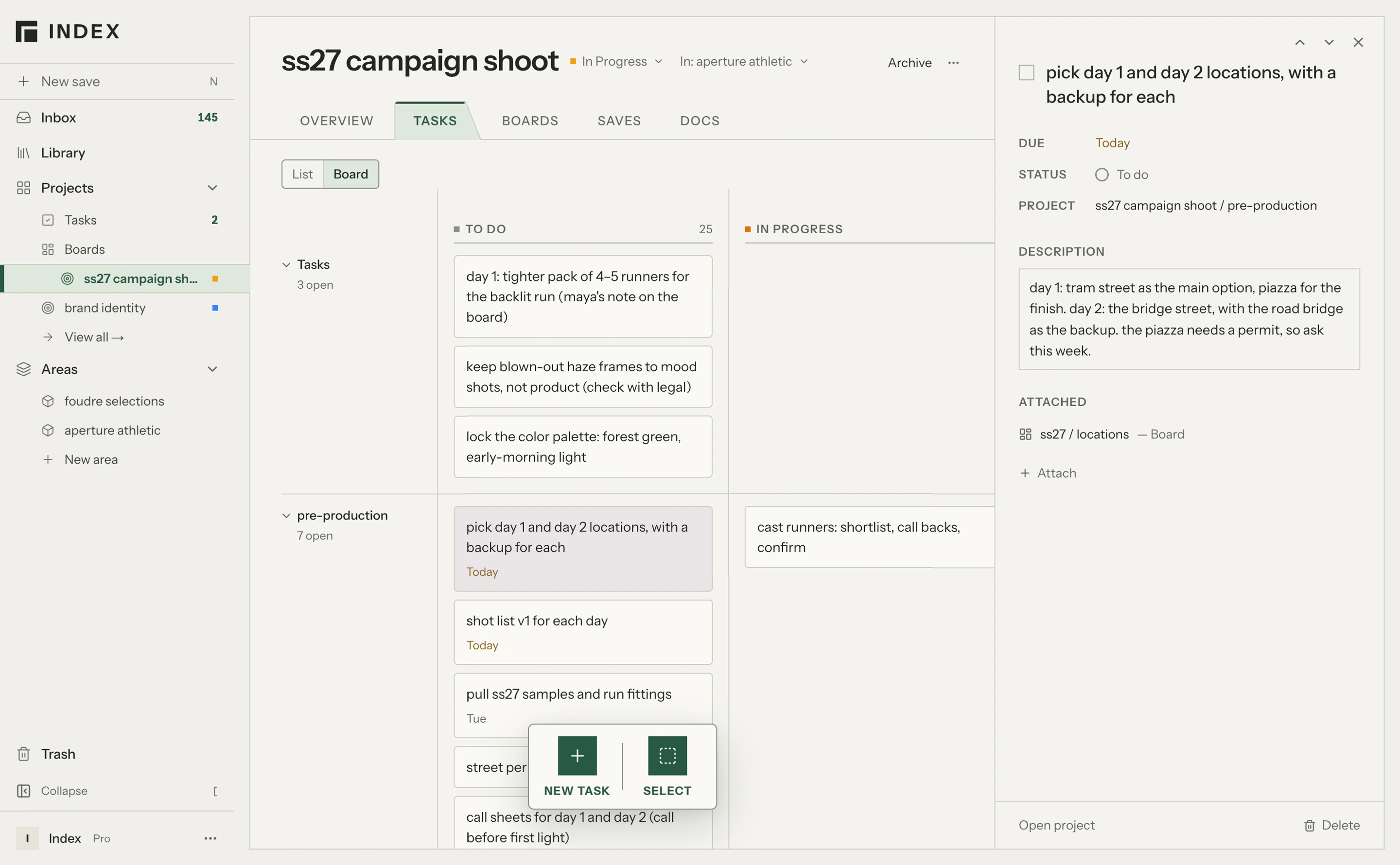
return to a project with its brief, references, working notes, and next steps together. move between documents, boards, saves, and tasks as you explore, make changes, and finish the work.
boards + sharing
show the work. explain the thinking.
explore visual directions on boards. use sections and captions to explain what matters, then share a link so clients and collaborators can view the work and leave comments.
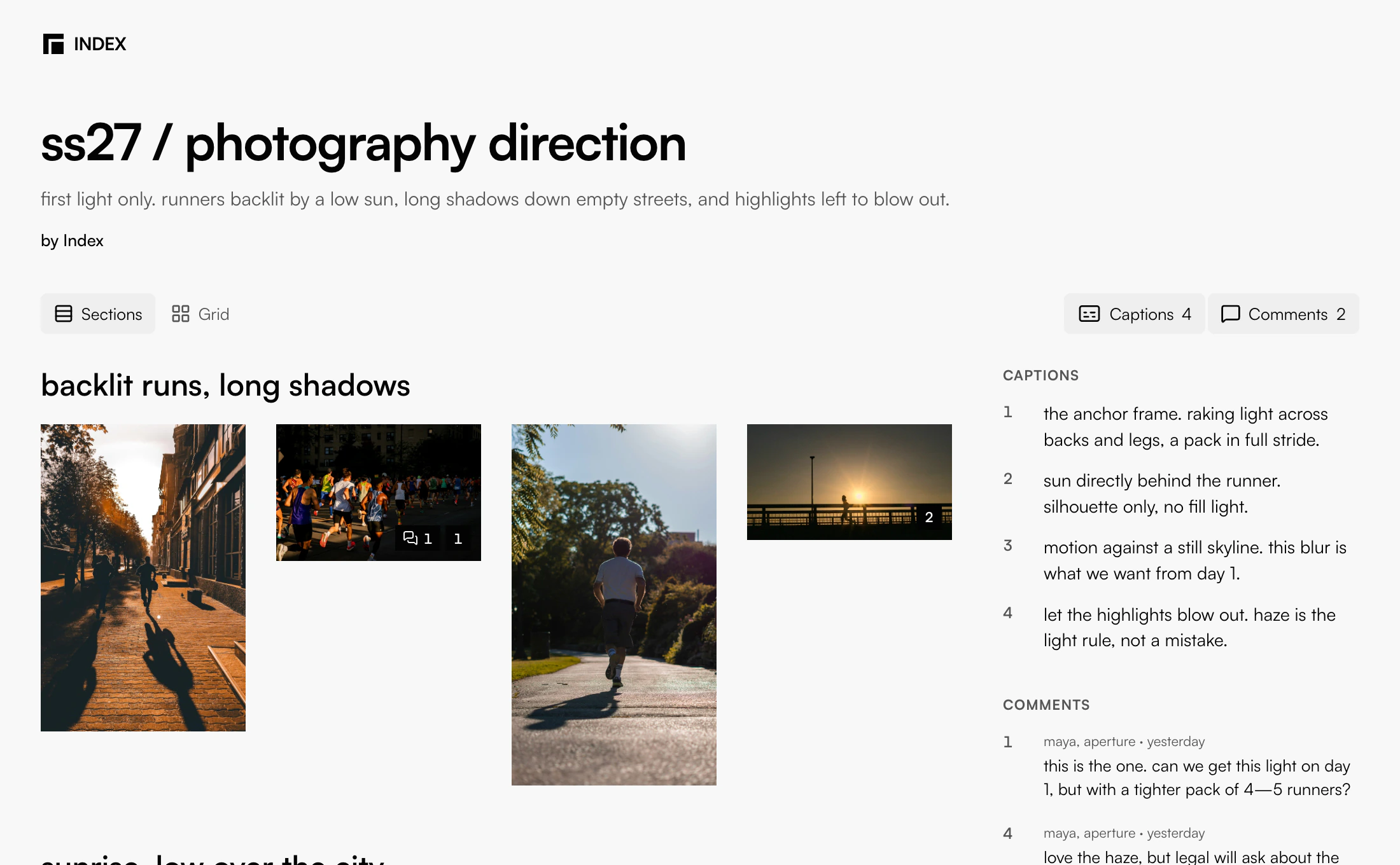
“this is the one. can we get this light on day 1, but with a tighter pack of 4–5 runners?”
example project
see how it comes together.
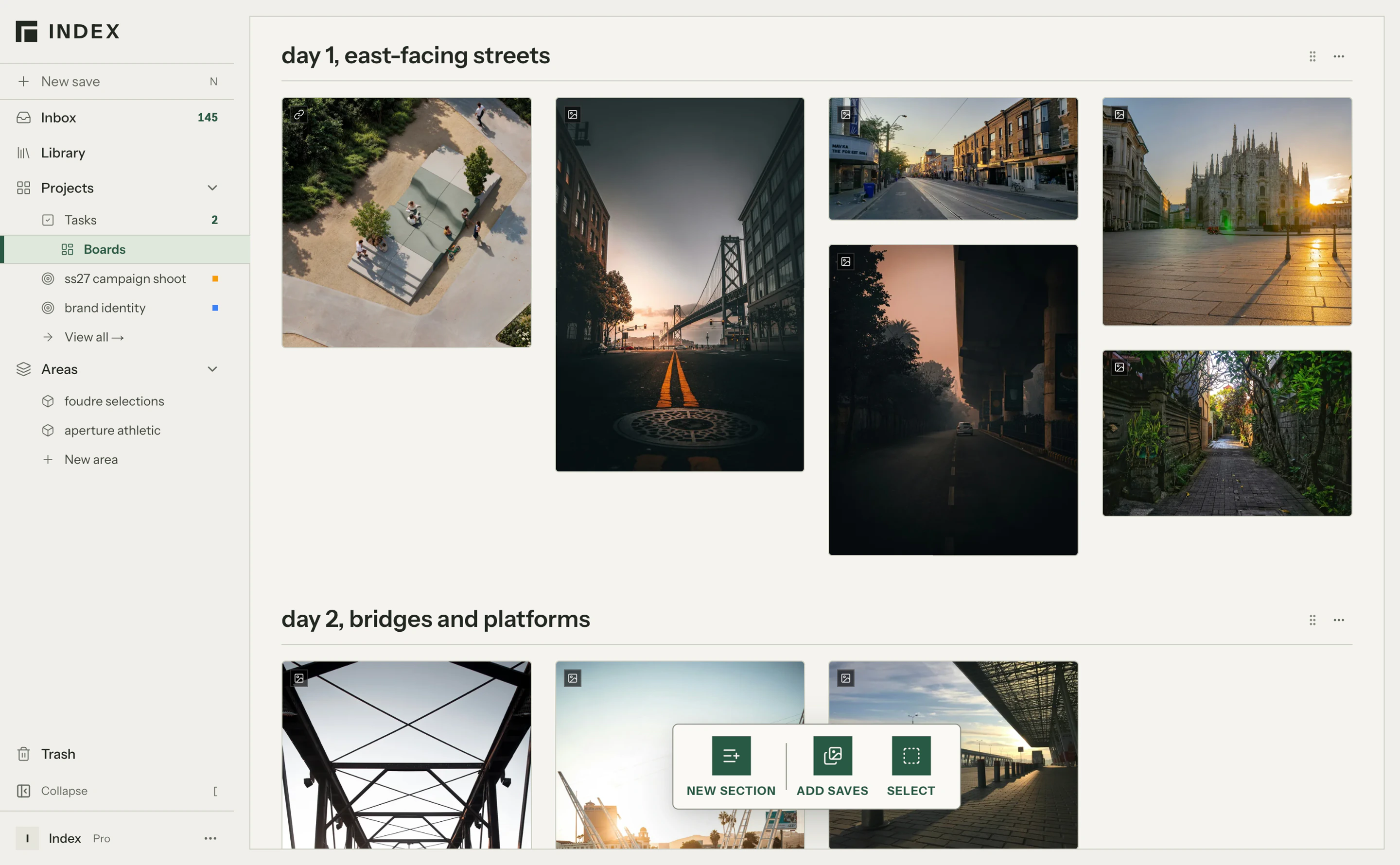
step inside the ss27 campaign shoot, an example project for a running apparel brand. follow the brief, references, visual directions, and feedback through to the finished work.
a fictional project, shown in Index.
free tools
something to make right here.
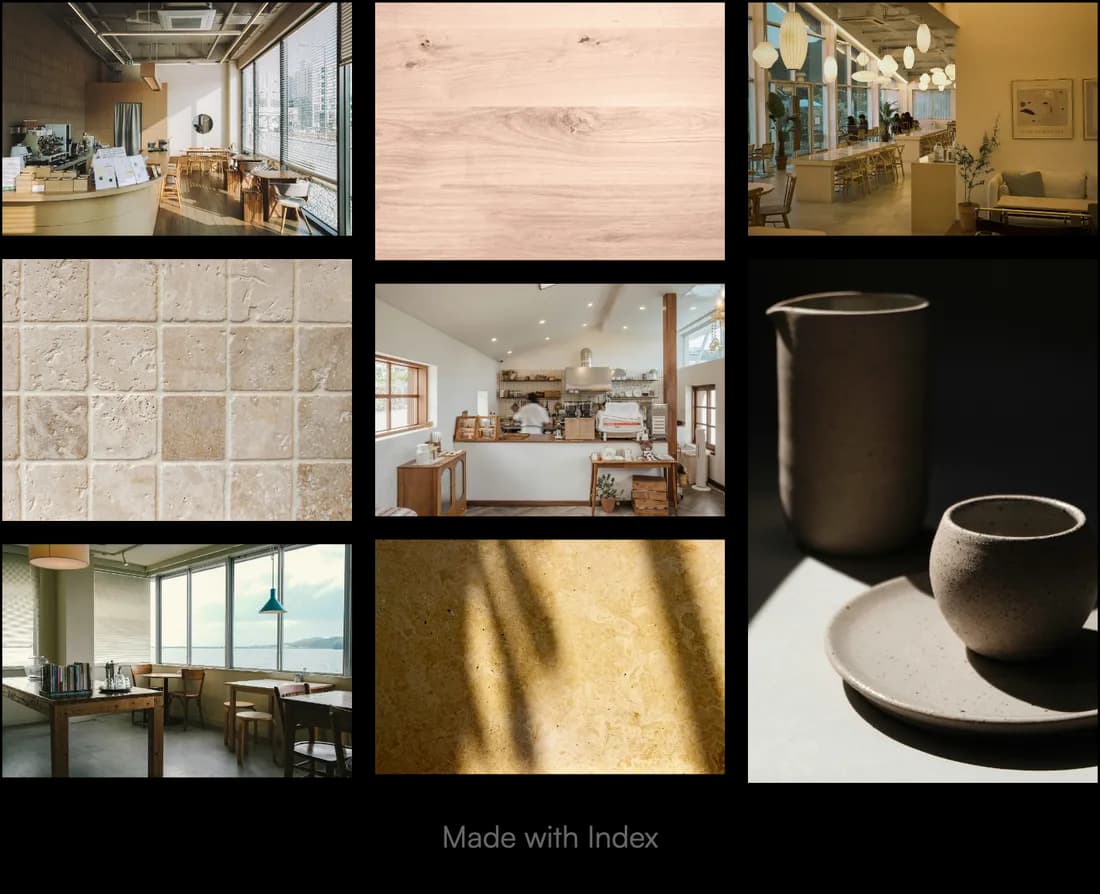
two free tools for working with your images. no account needed.
bring what you’re working on.
start with a project, a collection, or a few things worth keeping. give them a place in Index.